Geometry Dash Breeze 3D takes you on a journey of a small geometric character in a vast geometric world where thousands of dangers lie hidden.
Guide on How to Play Geometry Dash Breeze 3D
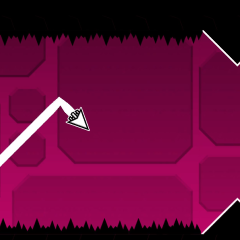
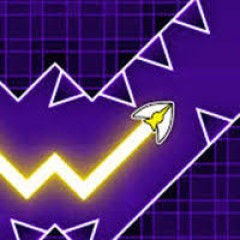
You control the character and help it jump or move sideways to avoid dangerous collisions with sharp spikes. Carefully observe the terrain and always be ready to guide the character to safe positions along the way. The constant movement requires strong concentration and quick reflexes to dodge obstacles in time.
For new players, completing a map can be quite challenging, so trying Practice Mode is highly recommended. This mode keeps the same character speed and level layout as Normal Mode, but provides helpful checkpoints to support players while learning the map.
Are There Any Differences Between Geometry Dash Breeze and Geometry Dash Breeze 3D?
Overall, both Geometry Dash Breeze and Geometry Dash Breeze 3D share similar gameplay mechanics and level layouts. The main difference lies in the graphics.
The original version features simple 2D graphics, where players control the character on a flat plane. Meanwhile, the 3D version upgrades the visuals with depth and a different camera perspective. The 3D graphics may require players to spend some time getting used to the obstacles and character movements, but they also offer a more immersive experience.